 TrainLog
Edit your workouts with AI
Copy your workouts, ask Claude, ChatGPT, Gemini or another assistant for the change and paste the answer. The preview shows every change before saving.
Workout log with AI
Tell the AI assistant you already use what to change — "add 2.5 kg to my squat", "swap deadlifts for lunges". TrainLog shows every change before saving. Then log every set and time your rest silently while you train.
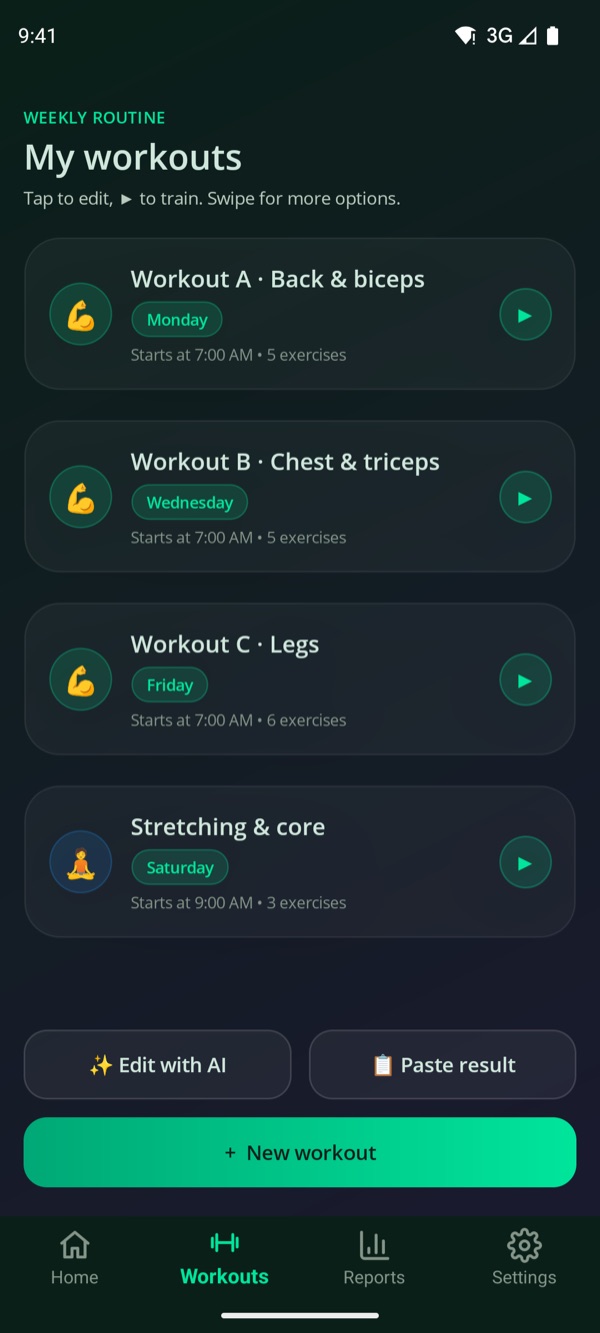
Edit with AI
No sign-up and no API key: TrainLog prepares the text and you use the assistant already on your phone.
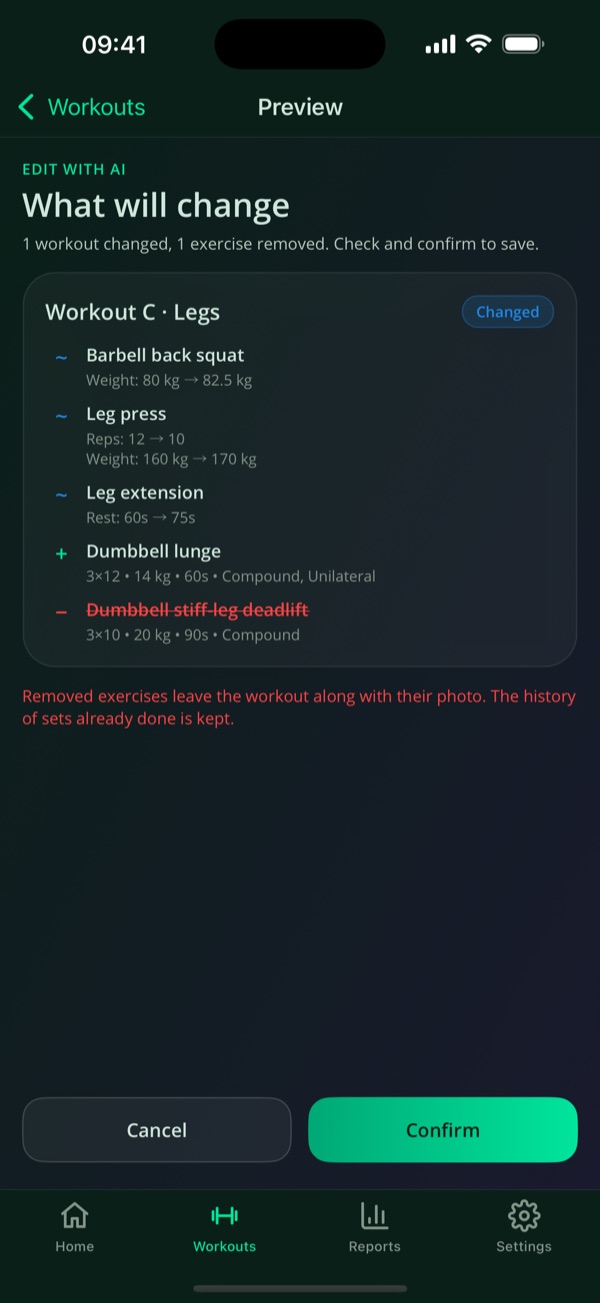
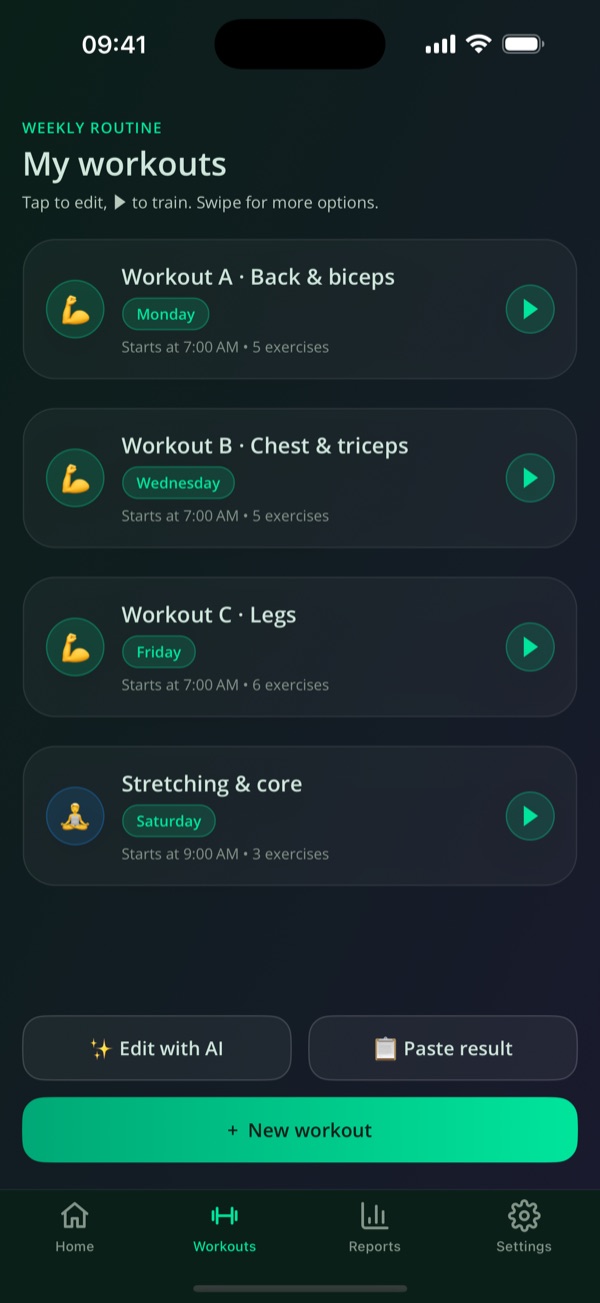
Tap Edit with AI. The app copies your workouts with ready-made instructions and offers to open your assistant.
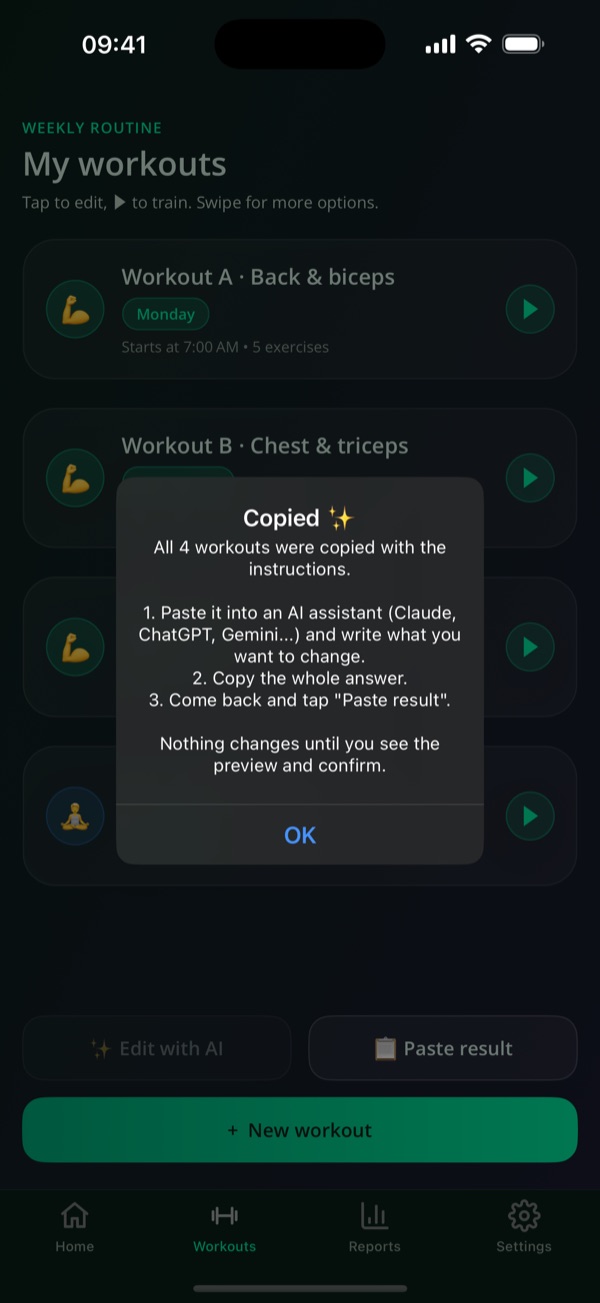
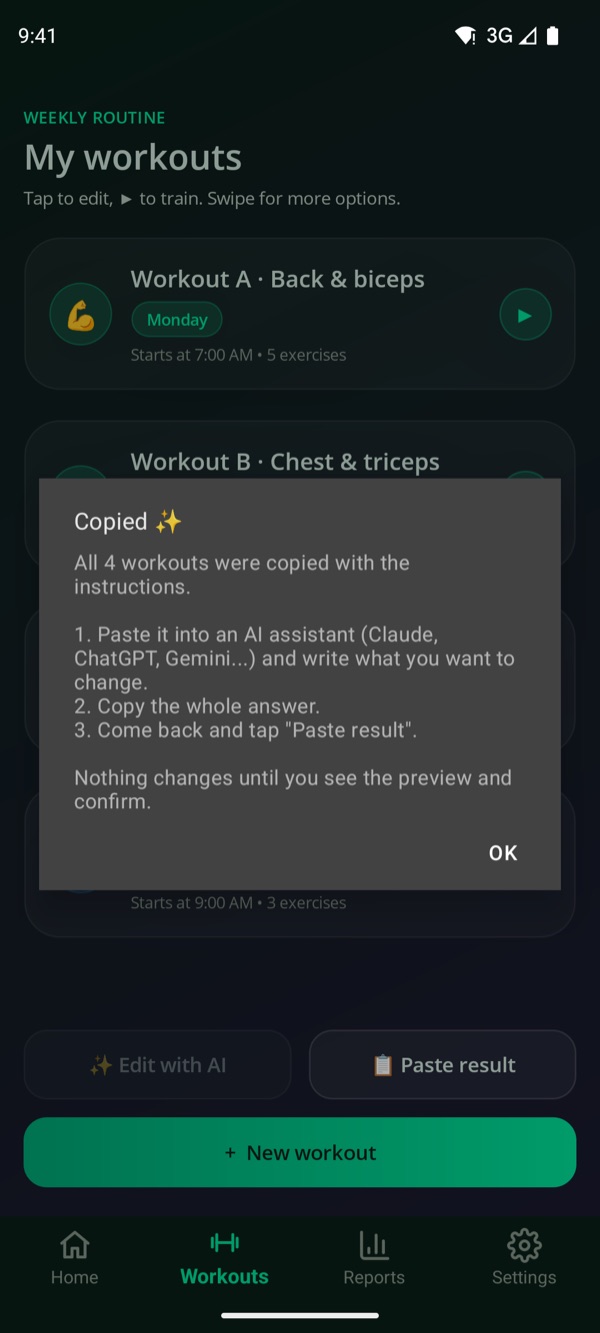
Paste into the assistant and say what you want to change, just like you'd tell a friend.
Your AI assistant
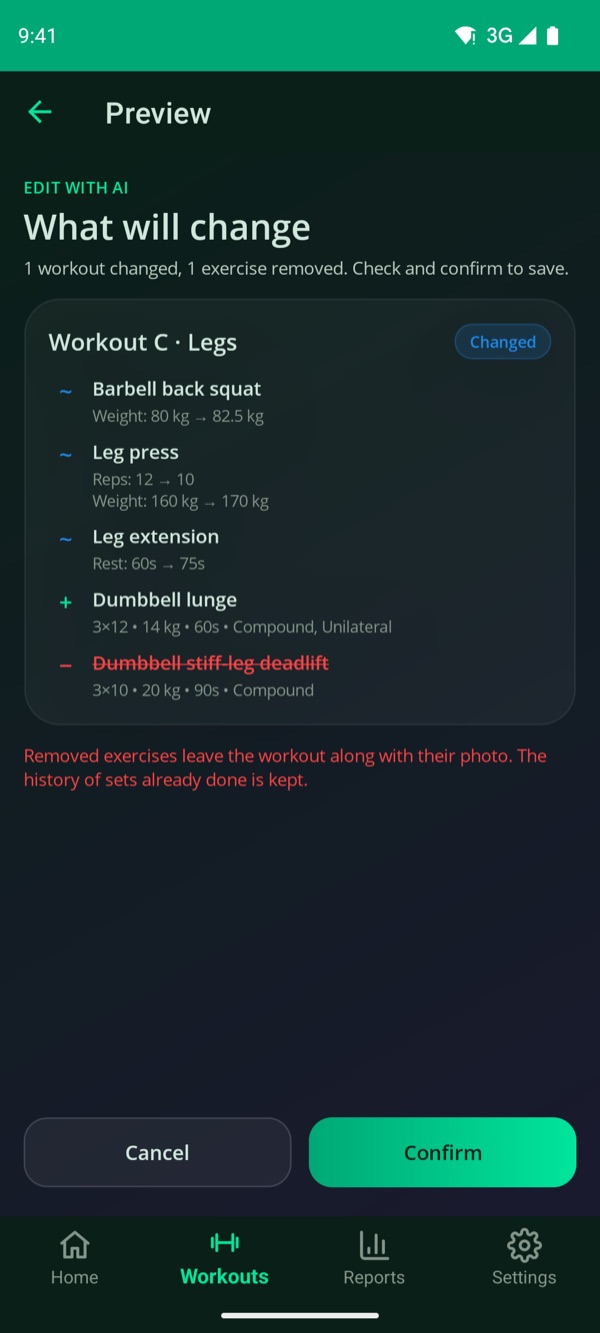
Add 2.5 kg to the squat and swap the deadlift for lunges
Done! I added 2.5 kg to the squat and swapped the deadlift for lunges. Here's the JSON…
Copy the answer and tap Paste result. The preview shows what gets added, removed and changed. Nothing is saved until you confirm.
Works with: Claude · ChatGPT · Gemini · Grok · Copilot · Perplexity · DeepSeek
TrainLog doesn't send anything anywhere: you decide what to paste. The text only includes your planned workouts (name, exercises, sets, weight and rest), never your history.
Edit with AI
Edit one workout or all of them at once. Swipe a card in the list to use AI, or use the shortcut at the top of any workout.
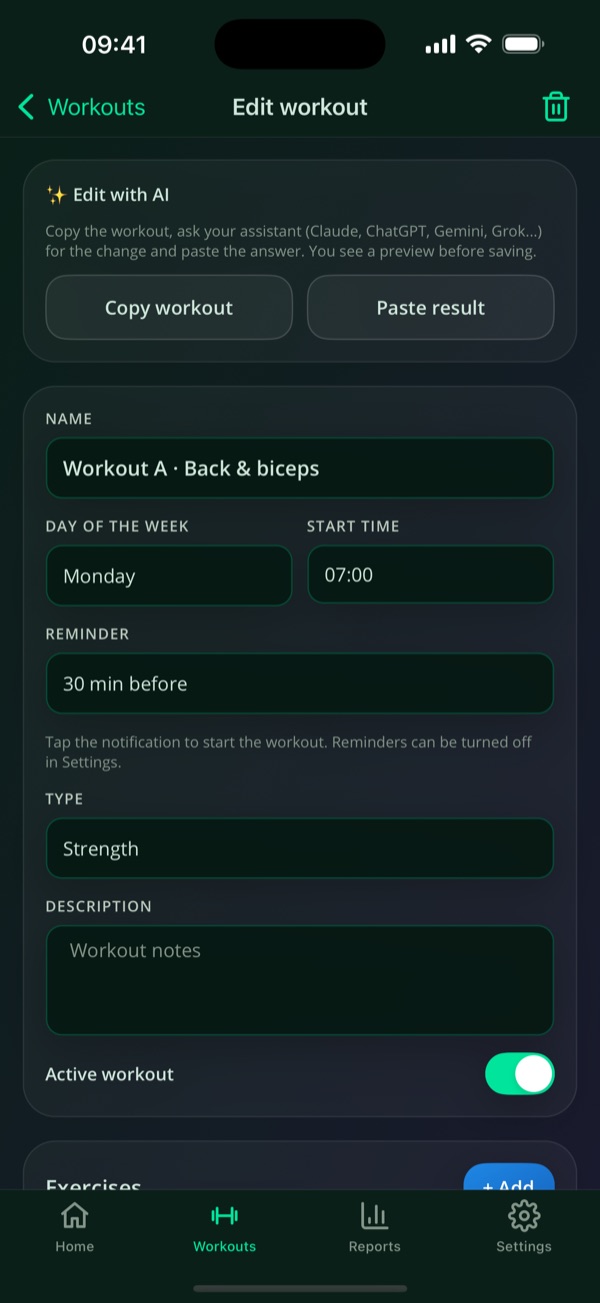
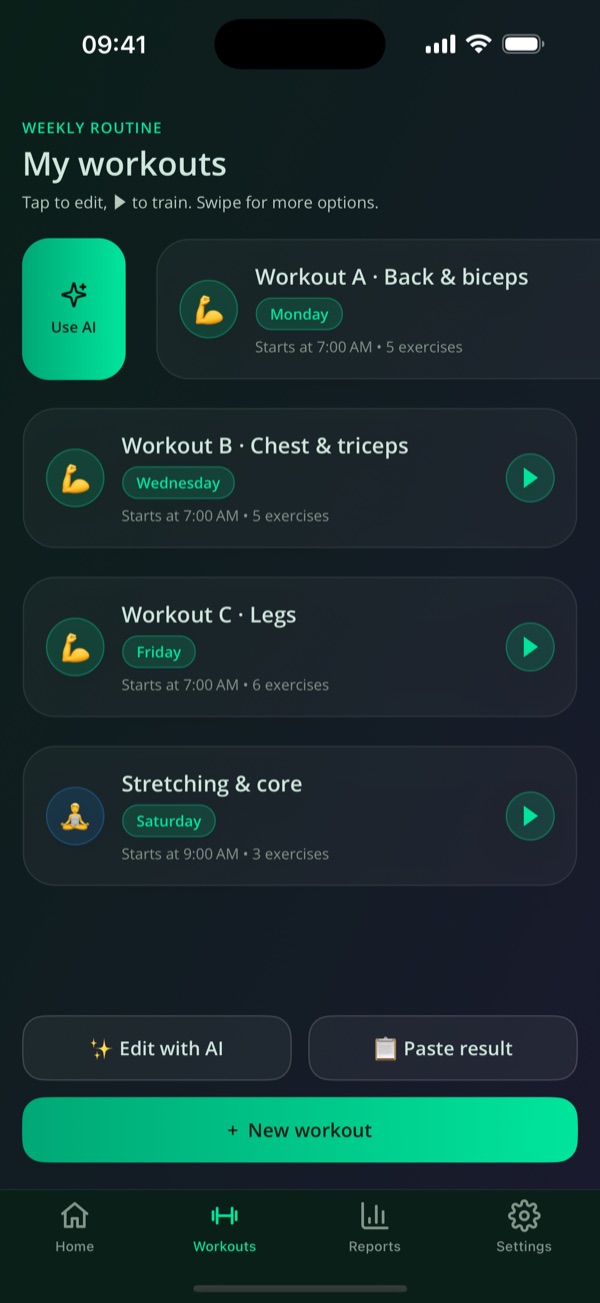
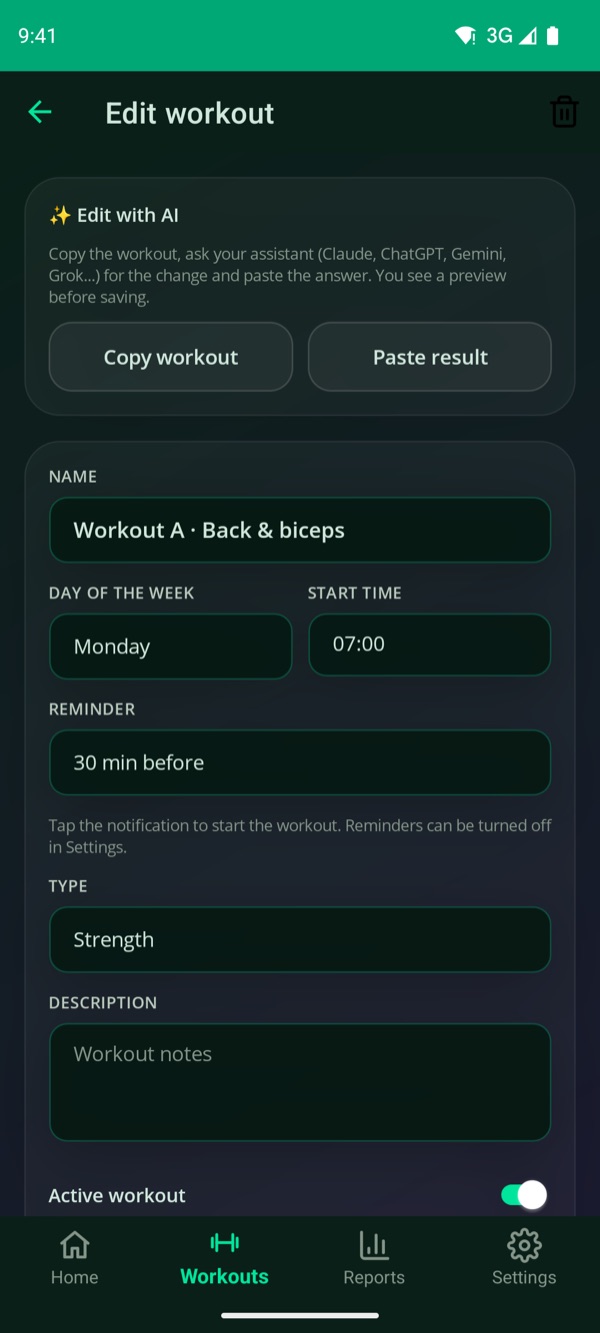
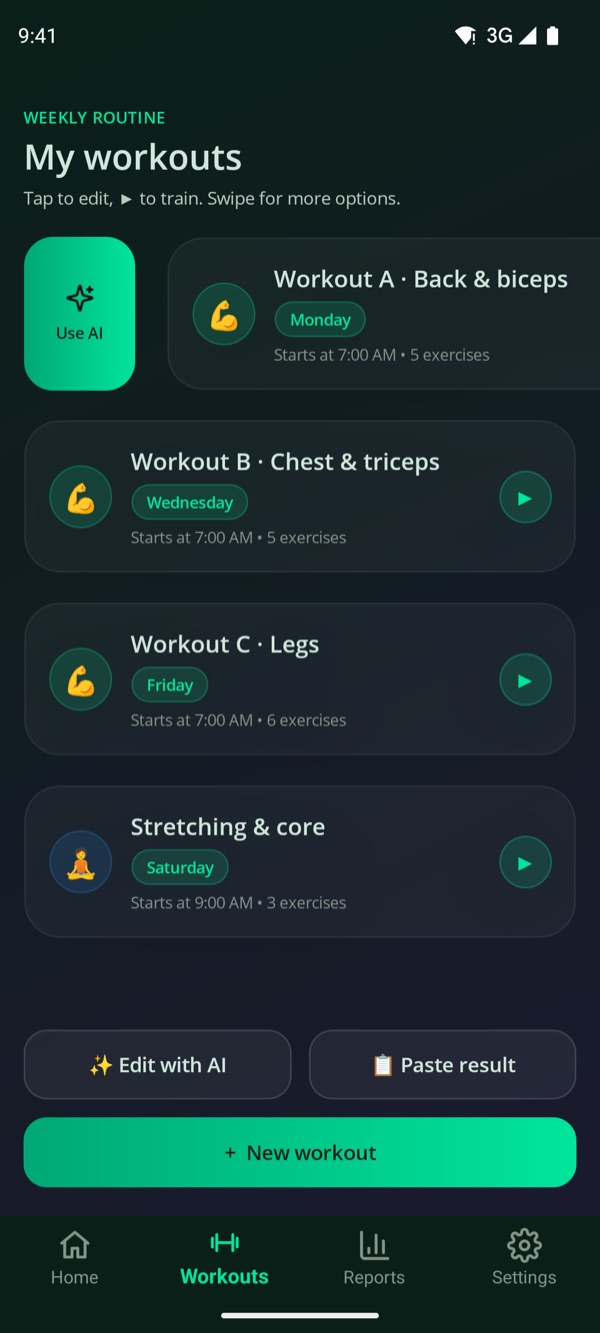
Workouts
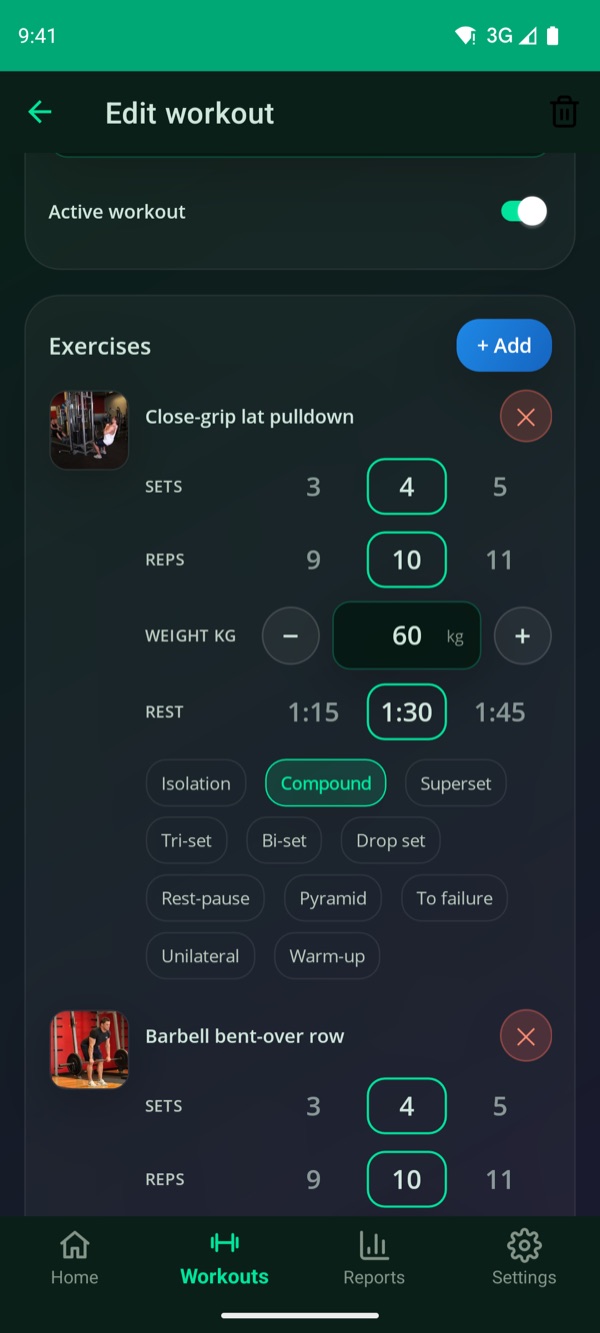
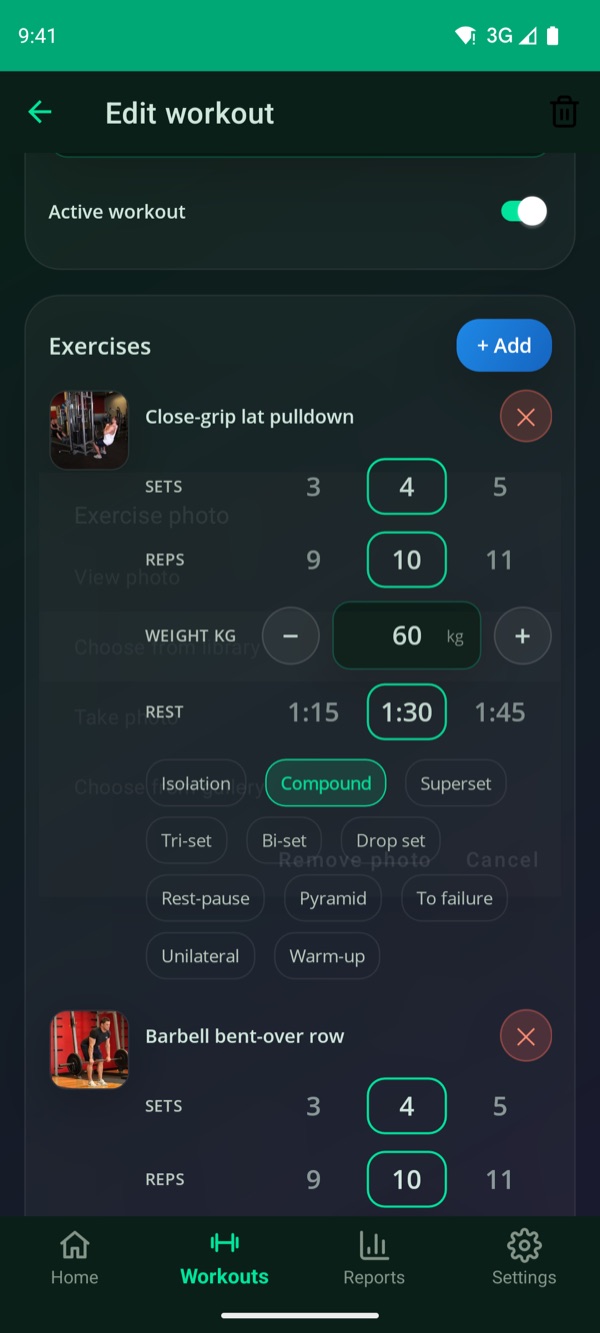
Create as many workouts as you like, with a day, a start time and a reminder. Each exercise keeps its sets, reps, weight, rest time and the technique you use.
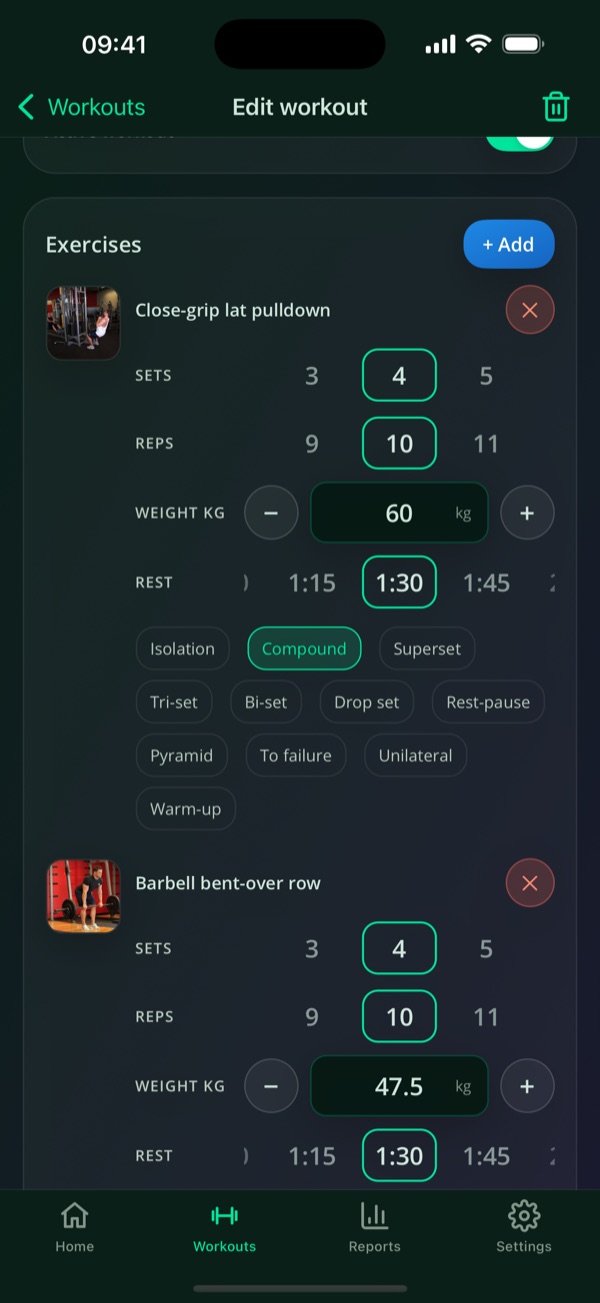
Training
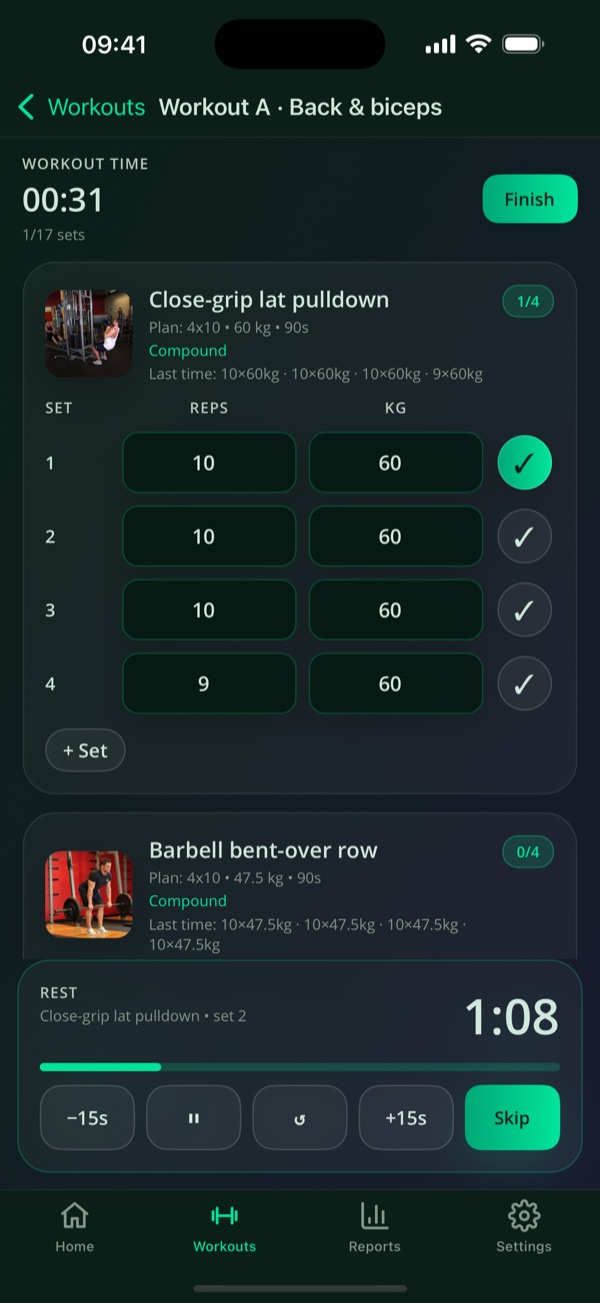
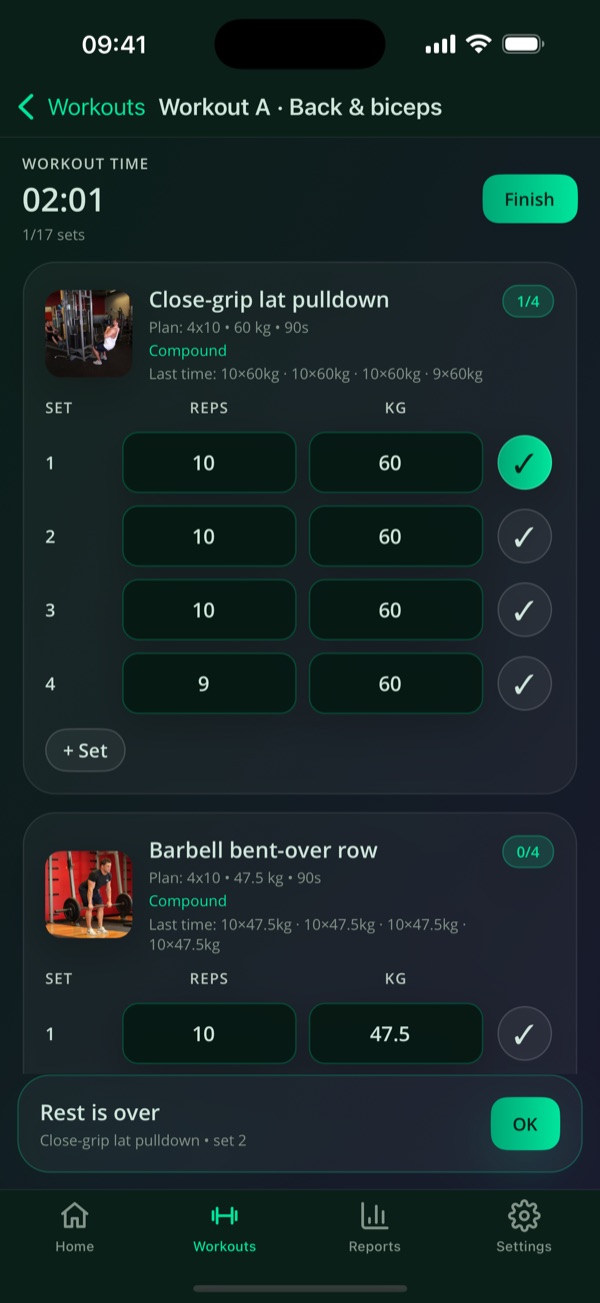
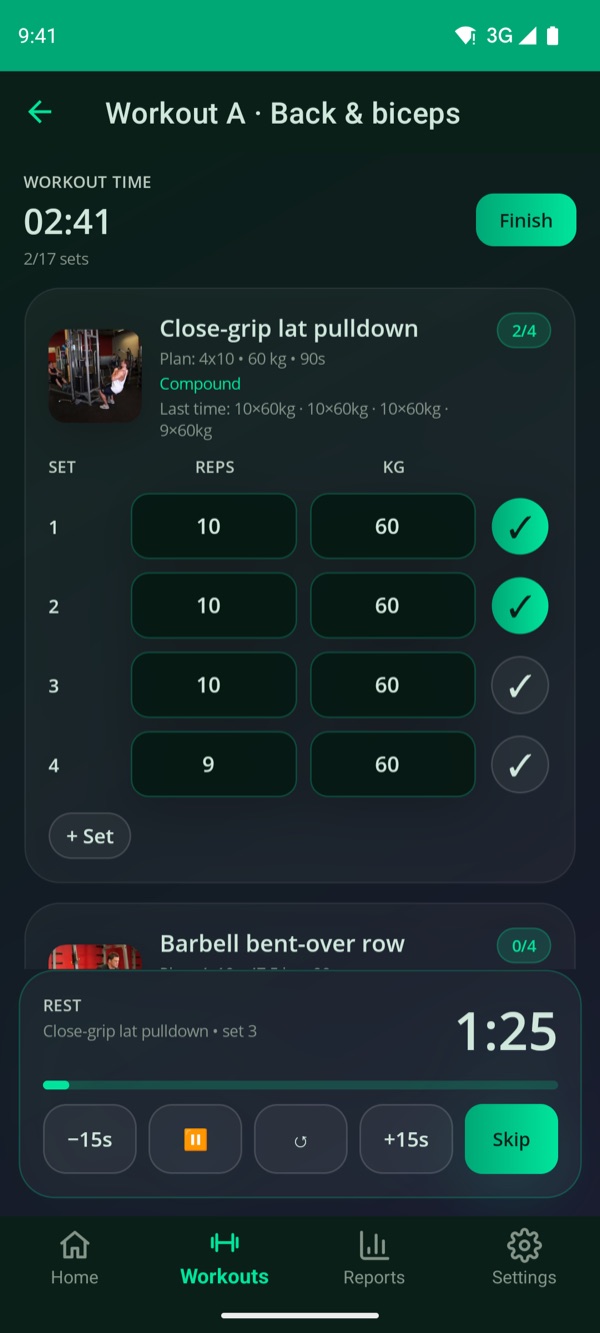
While you train, each exercise shows your plan and what you did last time. Check off a set and the rest timer starts on its own.
Rest alarms
Rest mode fills the screen with a big countdown. When it ends, the screen flashes and your phone vibrates, silently, so nobody at the gym is bothered.
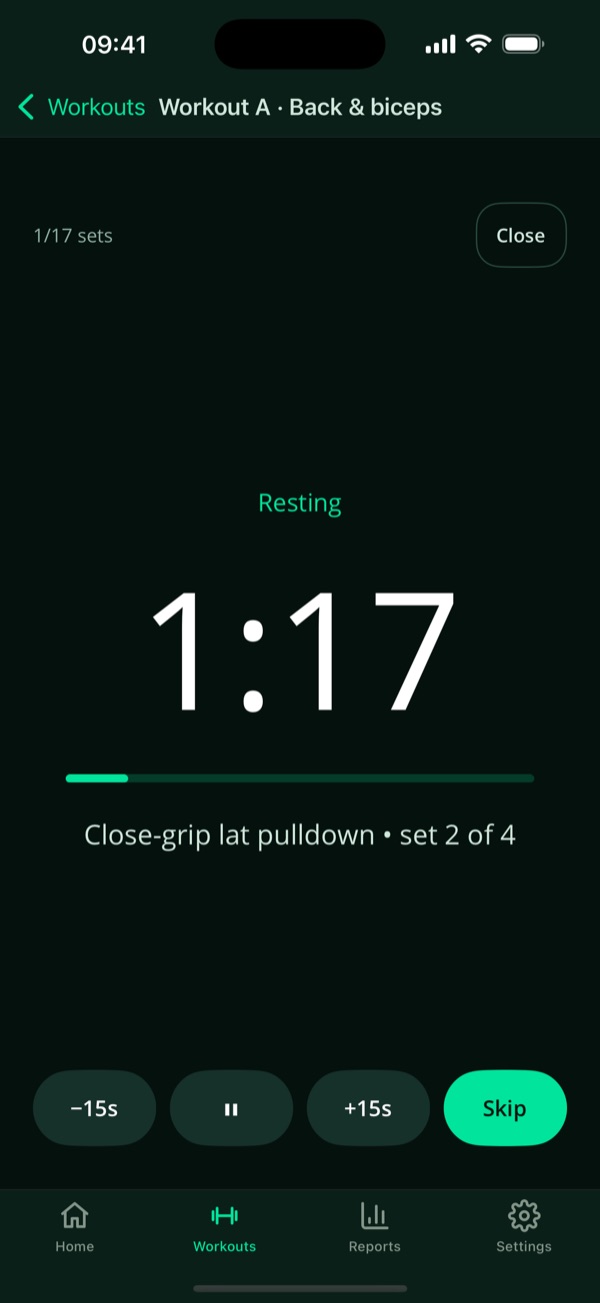
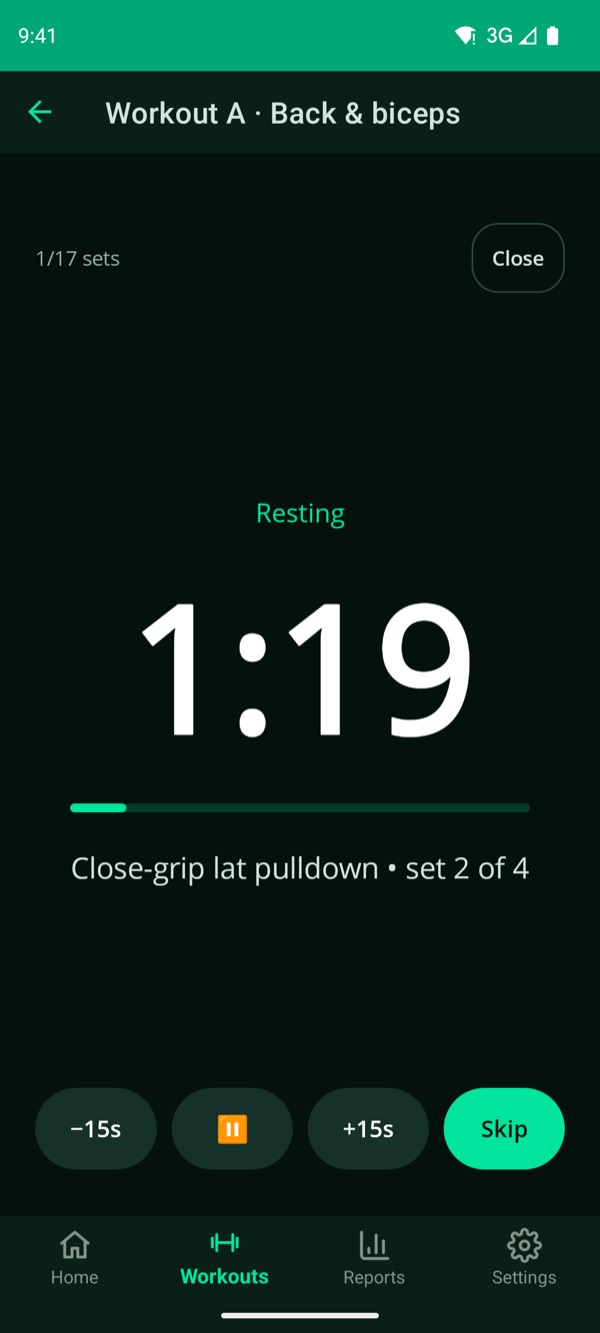
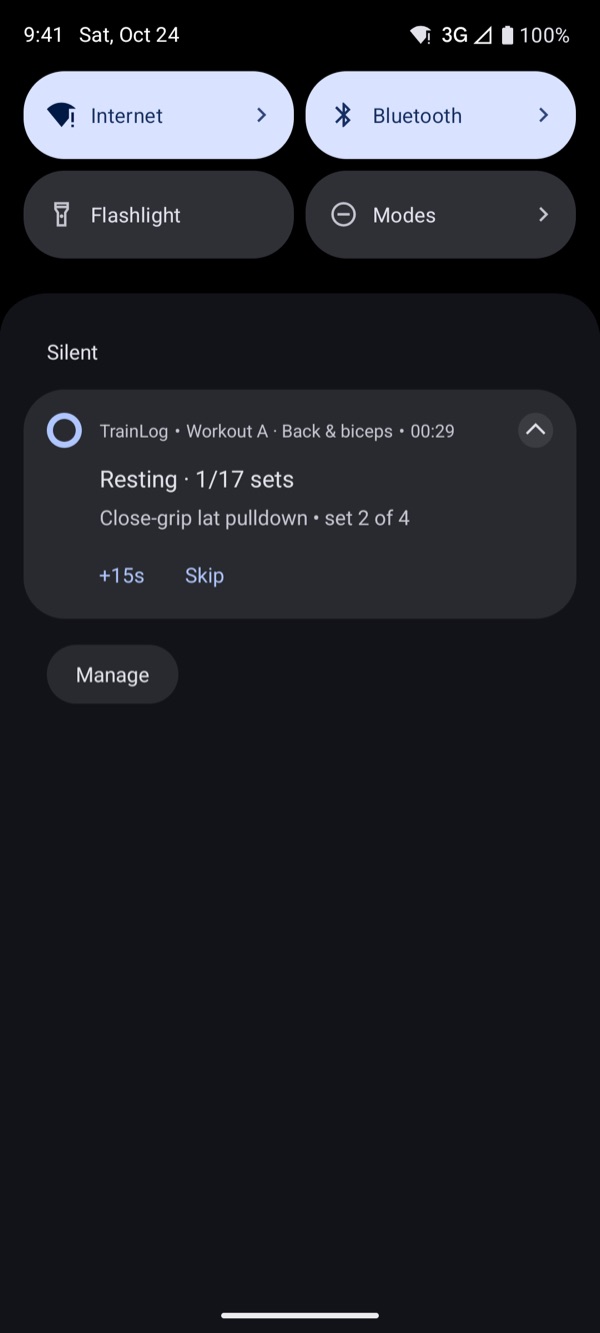
Outside the app
Watching a video or answering messages between sets? Your rest timer comes along, with Set done, +15s and Skip buttons.
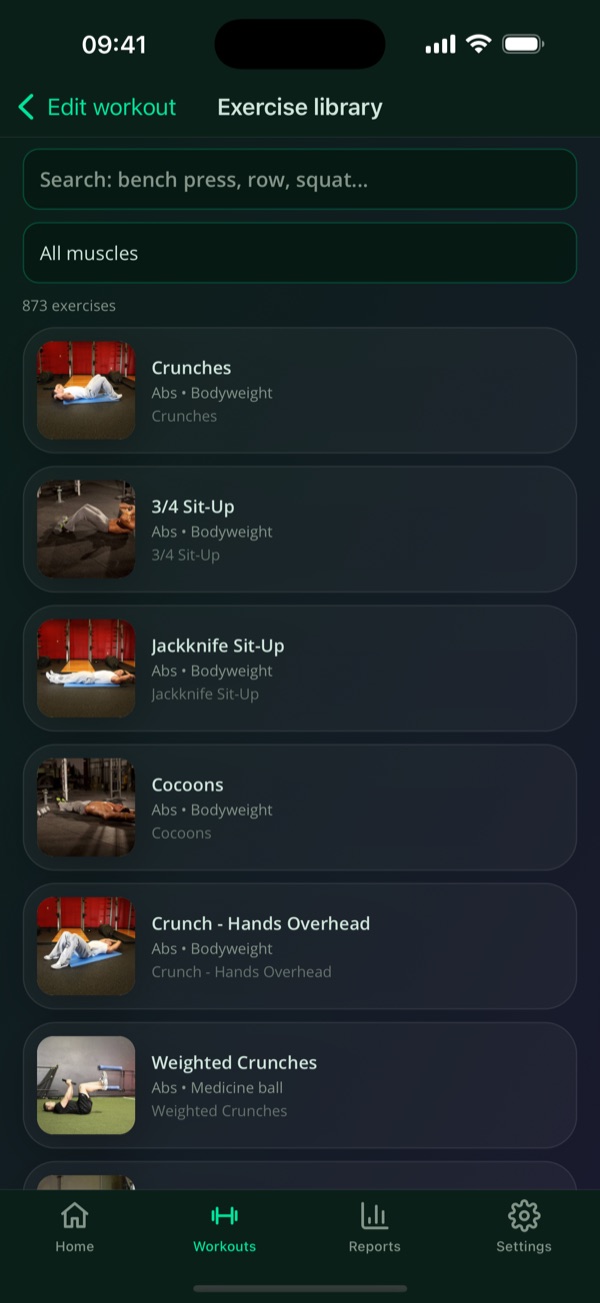
Library
Search by name and filter by muscle. Or snap a photo of the machine at your gym.
Reports
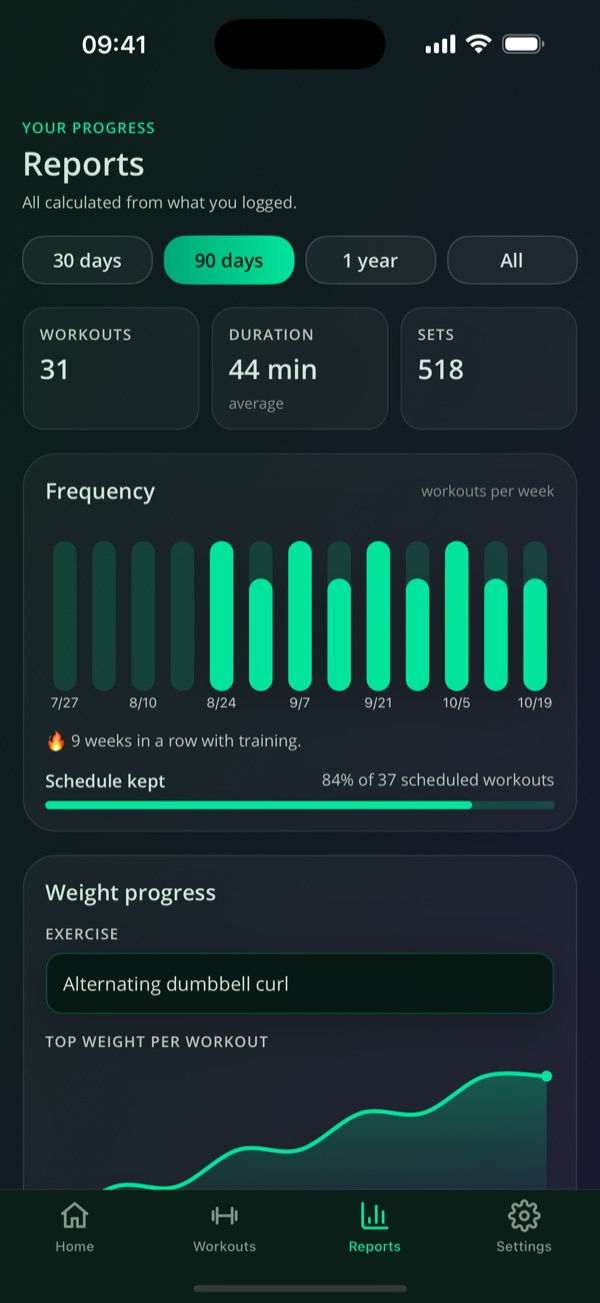
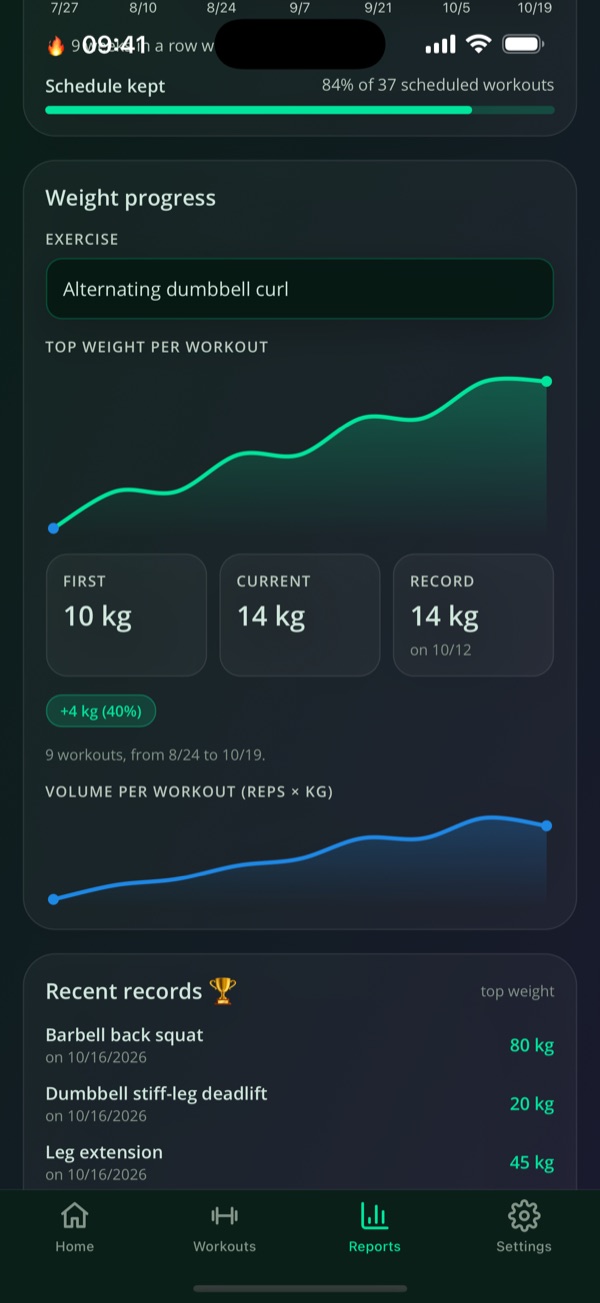
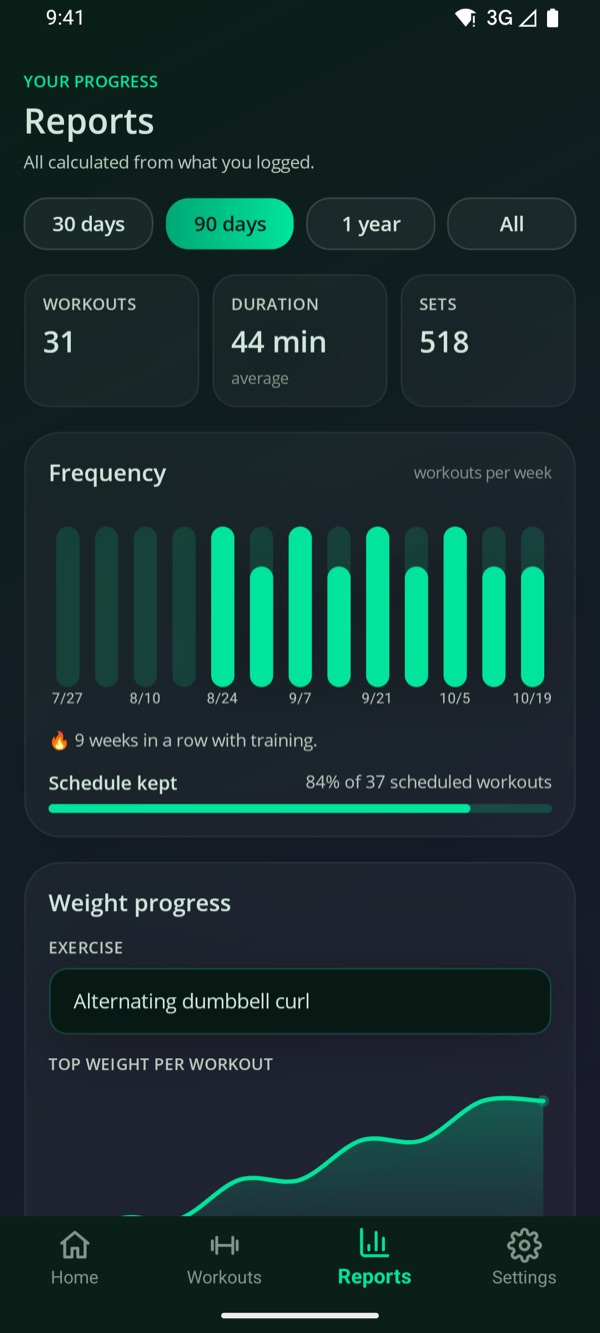
Everything is calculated from what you logged: workouts per week, schedule completion, load progression for each exercise and your records.
History
When you finish, mark it as good, okay or bad and leave a note for next time. History keeps the duration and every set.
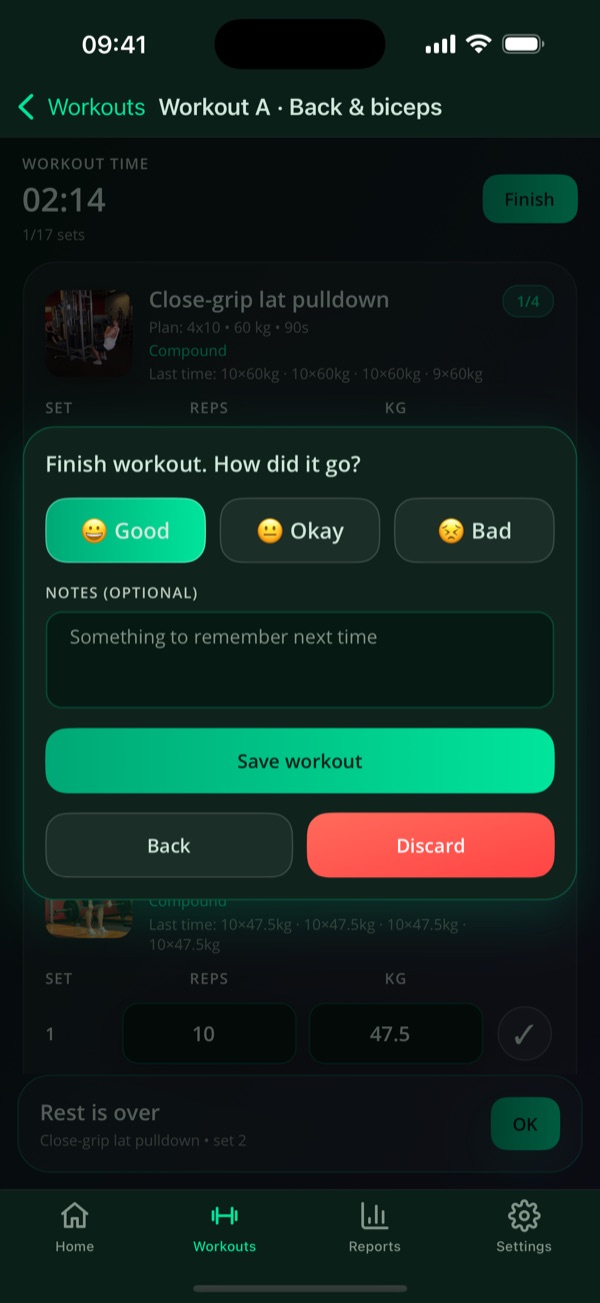
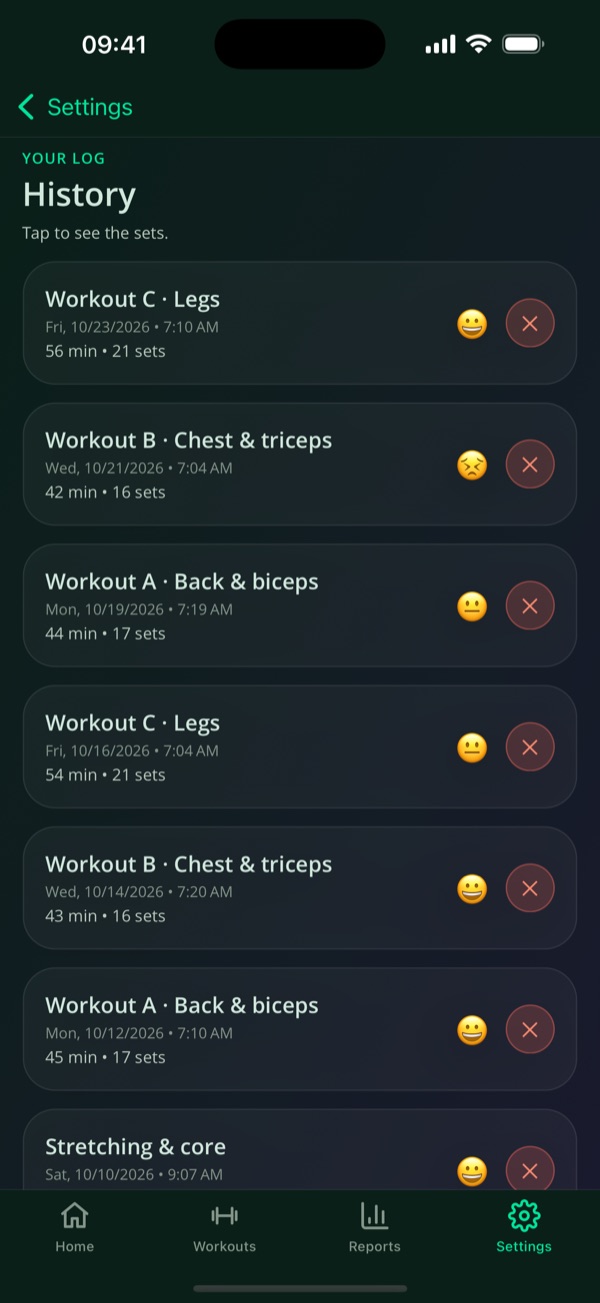
Real TrainLog screens. Swipe to see more.
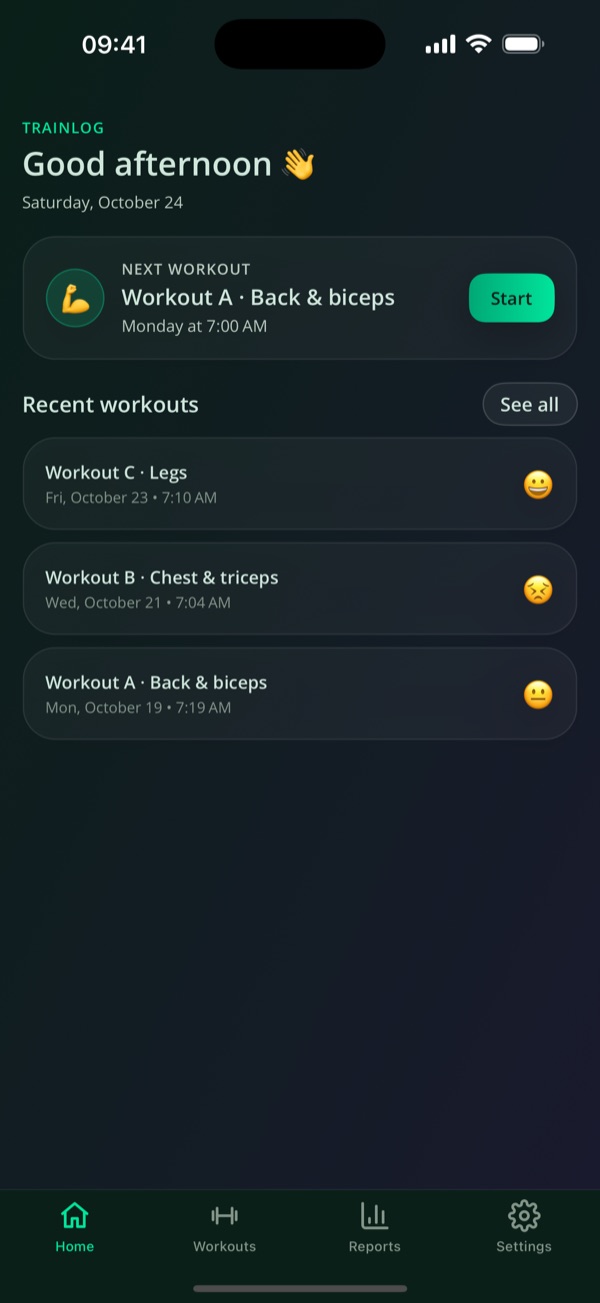
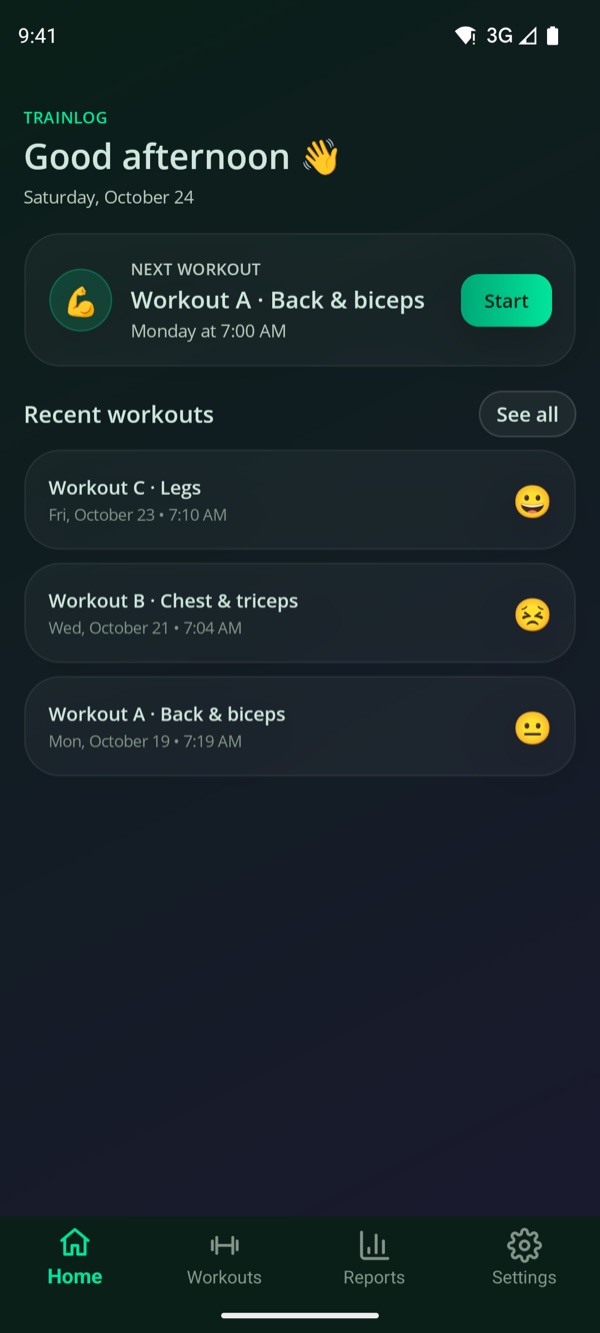
Open it and go. No email, no password, no sign-up.
Nothing to sit through between sets.
Works without internet. Your data stays on your phone and is never sent to a server.
Recent additions to TrainLog.
Copy your workouts, ask Claude, ChatGPT, Gemini or another assistant for the change and paste the answer. The preview shows every change before saving.
The app now speaks Portuguese, English and Spanish, following your phone's language or the one you pick in Settings. The exercise library is translated too.
A new tab with workouts per week, your weekly streak, schedule completion and the load progression of every exercise, including your records.
TrainLog is a workout log: it does not create training plans or give health advice. Talk to a professional before starting or changing your exercise routine.